

Playbooks define how Pincites reviews contracts. They specify what issues to flag, how to redline them, what fallback language to use, and when to escalate. Once configured, a playbook lets Pincites review contracts the same way your team would.Documentation Index
Fetch the complete documentation index at: https://docs.pincites.com/llms.txt
Use this file to discover all available pages before exploring further.
Starting options
1. Generate a playbook with AI
You can generate a complete playbook by uploading source documents or describing what you want in plain language. Pincites reads your input, generates a full set of checks, and lets you refine the result using Web chat. From documents: Upload a template, existing playbook, or precedent redlines. PDF documents are shown inline so you can read through the source as suggested checks stream in. From a prompt: Describe the contract type, key issues, and your position in plain language. Pincites generates checks based on your description. Playbook generation persists across page refreshes and navigation. If you leave the page mid-generation, you can return and pick up where you left off — generation continues in the background. If you prefer a more guided experience, a step-by-step process is also available. It walks you through which documents and information to provide before generating checks. To try it out, go to the playbook creator.2. Use a benchmark playbook
Pincites includes 20+ pre-built playbooks covering common contract types like NDAs, MSAs, DPAs, and SaaS agreements. These give you a working starting point that you can customize. In the Word add-in, go to the Playbook tab and select Benchmarks to browse available options.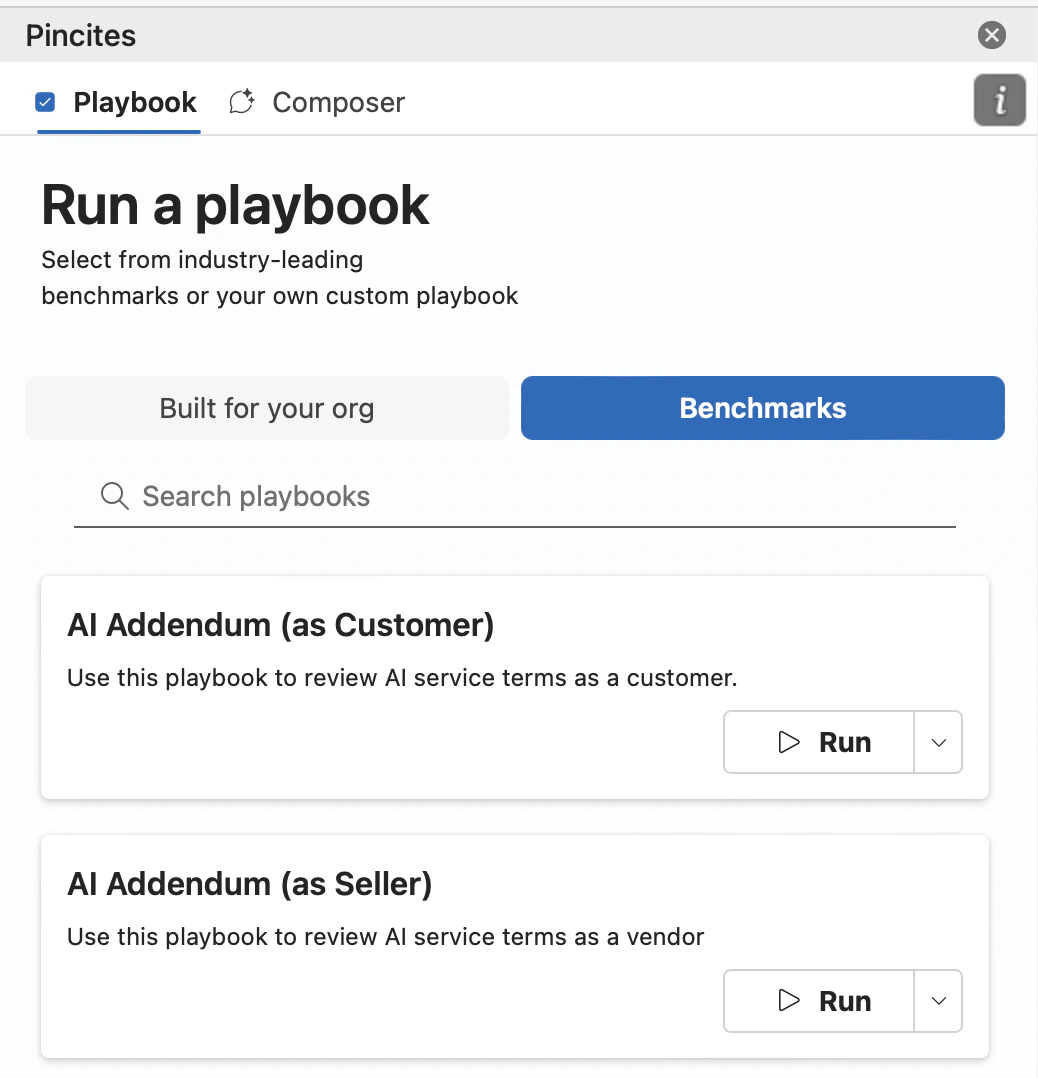
3. Upload past redlines
If you have redlined contracts from past negotiations, upload them to your knowledge base. Pincites analyzes your patterns and drafts suggested rules automatically. You review, edit, and approve each rule. This approach works well if your team has consistent negotiation history to learn from.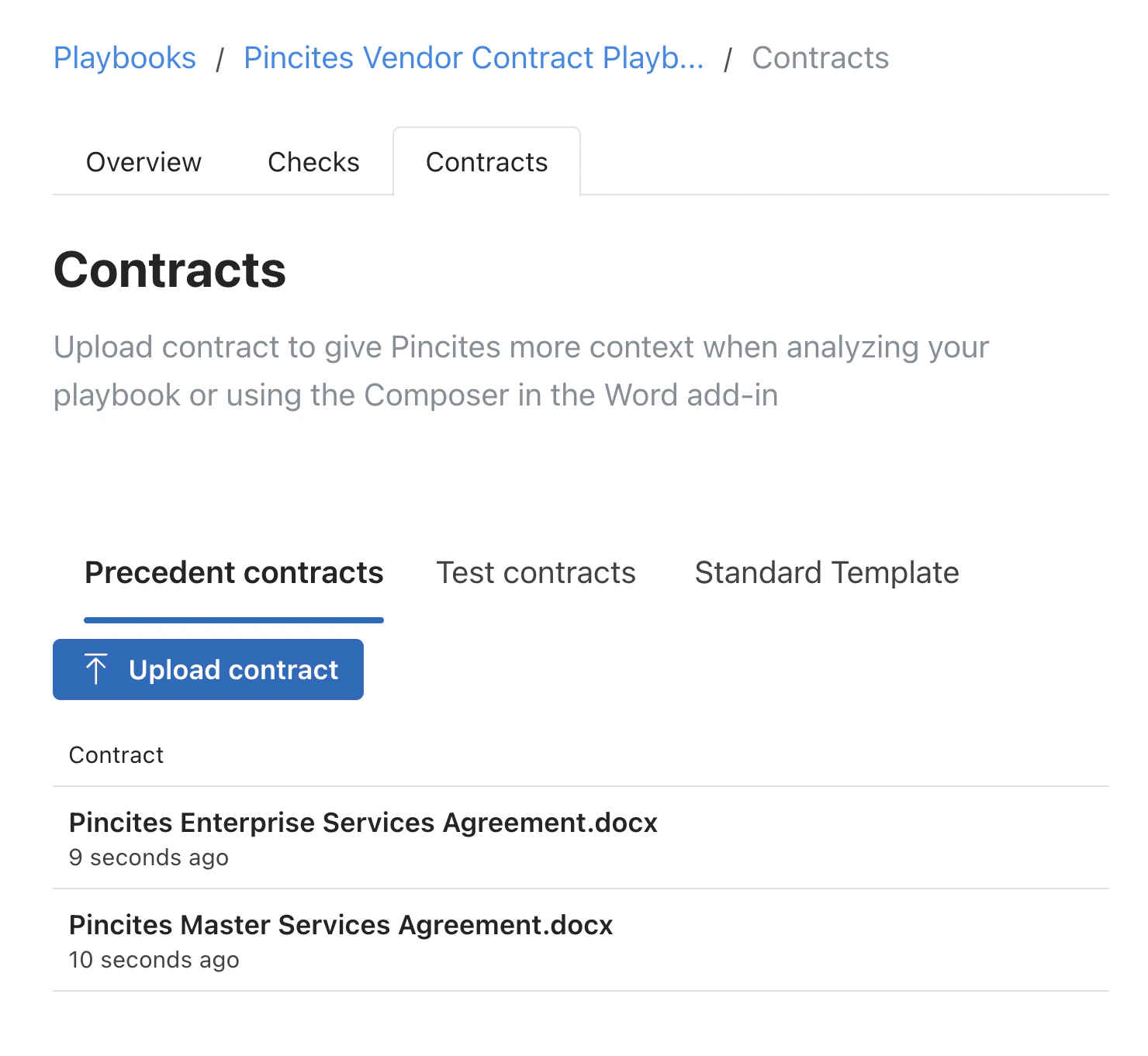
4. Build from scratch
Create rules manually when you need full control over wording, tone, and coverage. This works best for specialized contract types or unique organizational requirements.What goes into a rule
Each playbook rule includes:- Issue definition What the rule checks for. Example: “Limitation of liability caps direct damages at less than 12 months of fees.”
- Redline guidance How to mark up the clause when the issue is found. This can include preferred language and fallback positions.
- Comment guidance What comment to insert explaining the change or flagging the issue for review.
- Internal notes Escalation steps, reviewer guidance, or context that stays internal and isn’t shown to counterparties.
Building your playbook
Choose your starting point
- Select a benchmark playbook that matches your contract type
- Or start with a blank playbook if building from scratch
Upload your template
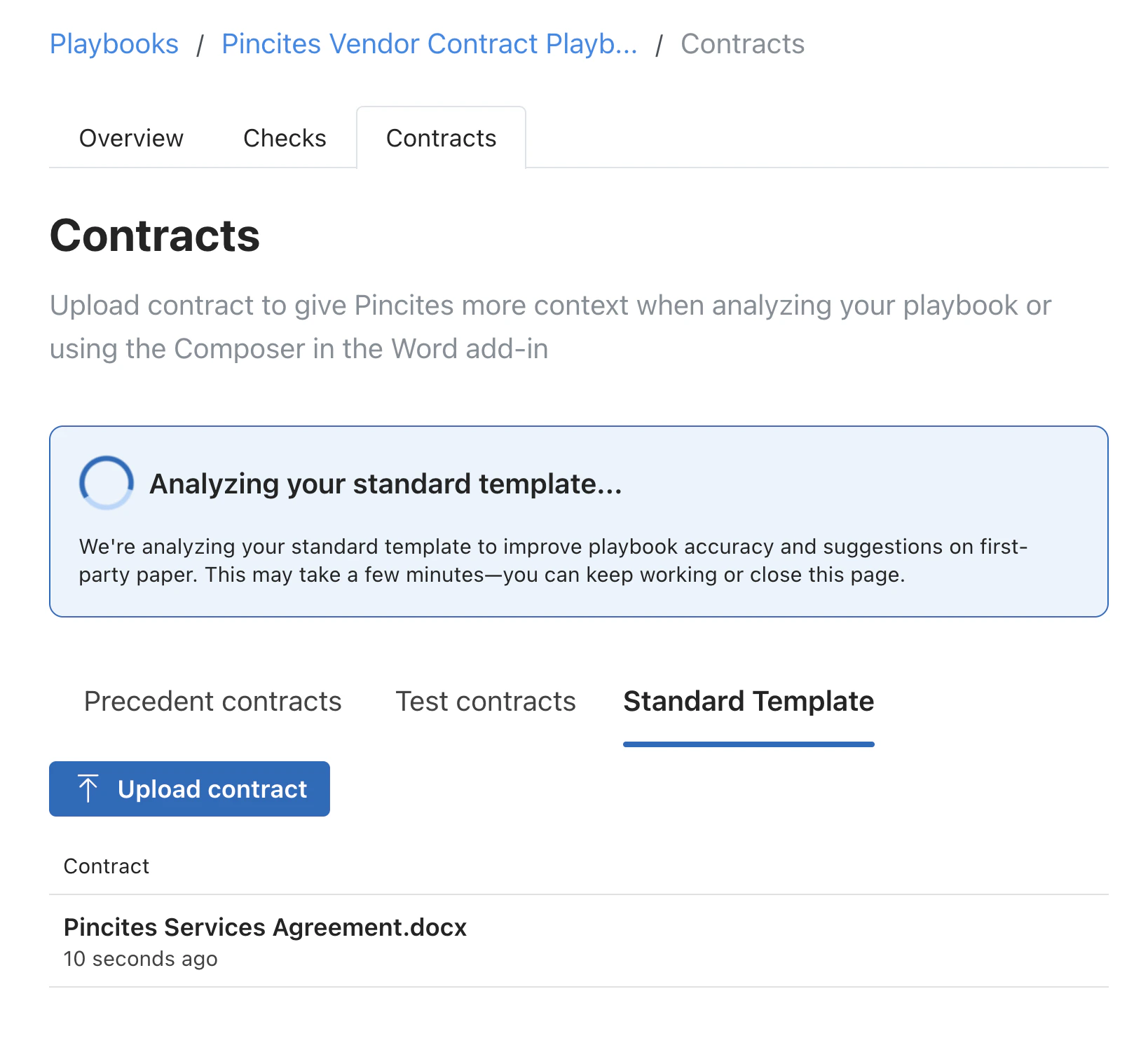
- Add your standard form to the knowledge base
- Pincites uses it as context for smarter reviews
- Redlines will align with your original positions
Add training materials
- Upload 5-10 redlined contracts from past negotiations
- Include examples that show your typical positions
- Pincites extracts patterns and suggests rules
Review and edit rules
- Edit AI-generated rules to match your tone and standards
- Add organization-specific nuance
- Test rules on sample contracts before going live
Rule writing tips
- Be specific about the trigger. “Indemnification is missing” is vague. “Agreement lacks mutual indemnification for IP infringement claims” is actionable.
- Include fallback positions. Your first ask might get rejected. Give Pincites a second and third option to suggest.
- Match your team’s voice. If your comments are typically collaborative, write comment guidance that sounds collaborative. If you’re more formal, reflect that.
- Add escalation criteria. Use internal notes to specify when an issue needs senior review or client approval.
Managing playbooks
- Versions: Maintain multiple versions of a playbook for different deal types or risk tolerances.
- Shared rules: Reuse rules across playbooks so updates apply everywhere.
- Performance review: Monitor which rules fire frequently, which get overridden, and which need tuning.
Quick start checklist
- Generate a playbook with AI, select a benchmark, or create a new one
- Upload your standard template
- Add 5-10 example redlines to the knowledge base
- Review AI-suggested rules and edit as needed
- Test on a sample contract
- Deploy to your team
Resources
- Browse our benchmark playbooks in Composer
- Review playbook performance analytics
- Learn more about shared playbooks here.
- Learn how Pincites improves over time
- Contact support@pincites.com for help or optimization tips