

Documentation Index
Fetch the complete documentation index at: https://docs.pincites.com/llms.txt
Use this file to discover all available pages before exploring further.
Overview
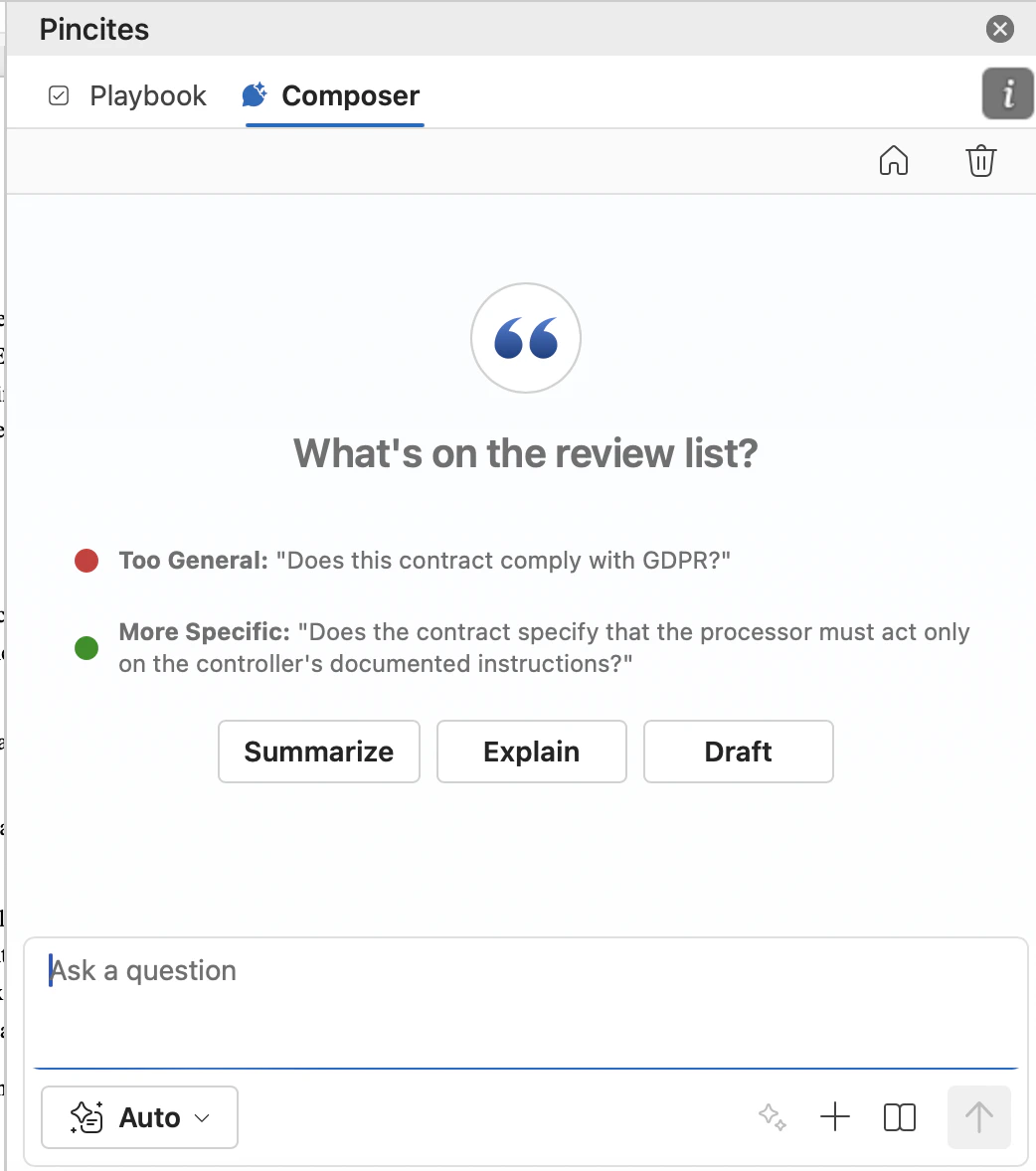
Composer is the chat interface inside the Pincites Word add-in. You can ask it to analyze contracts, generate redlines, draft language, summarize changes, and clean up documents.Getting started
- Open a .docx file in Microsoft Word
- Launch the Pincites add-in from the ribbon
- Click the Composer tab
- Type your request in the chat box
What Composer can see
Composer automatically has access to:- The full document text
- Tracked changes and comments
- Your selected playbook
- Your Company Profile
What you can do
Analyze contracts
- Summarize all tracked changes
- Identify the highest-risk clauses
- Find nonstandard or unusual provisions
- Check for compliance gaps (GDPR, HIPAA, etc.)
Generate redlines
- Redline clauses to be more favorable to your side
- Suggest lighter or stronger language
- Draft fallback positions based on your playbook
- Adjust tone for different negotiation contexts
Draft content
- Write emails summarizing key changes
- Create issues lists for internal review
- Build tables of obligations, dates, or terms
- Draft negotiation summaries for leadership
Clean up documents
- Find undefined terms
- Identify defined terms that aren’t used
- Check for formatting inconsistencies
Best practices
Initial review
- Run playbook checks first to catch standard issues
- Use Composer to find anything the playbook missed
- Ask: “What’s unusual or risky that the playbook didn’t flag?”
During negotiation
- Adjust your positions: “Make this redline stronger” or “Make this redline softer”
- Draft fallback language if they reject your position
- Summarize changes for the executive team
Sample prompts
| Task | Prompt |
|---|---|
| Quick analysis | ”Summarize tracked changes in plain English” |
| Risk review | ”Flag the three riskiest provisions for us as the customer” |
| Redline help | ”Suggest alternative language for this termination clause” |
| Drafting | ”Create an issues list with our position on each item” |
| Clean-up | ”Find defined terms that appear in the definitions but aren’t used in the agreement” |
Tips
- Be specific about your role: “as the vendor” or “as the customer” helps Composer tailor suggestions
- Reference your playbook: “based on our SaaS playbook” pulls in your configured rules
- Ask for explanations: “explain why this clause is risky” gives you rationale to share with stakeholders
- Iterate: If the first response isn’t right, refine your prompt and ask again