

Documentation Index
Fetch the complete documentation index at: https://docs.pincites.com/llms.txt
Use this file to discover all available pages before exploring further.
Overview
Pincites gets smarter as your team works. Every time you redline a clause, flag strong fallback language, or upload a precedent, the system learns from it—without ever modifying your playbook. This learning improves future reviews, sharpens redlines, and makes Composer more accurate and context-aware. The result: faster, more consistent negotiations that reflect your voice and legal posture.Learning features
These three features are how Pincites learns your negotiation style:1. Learn from toggle
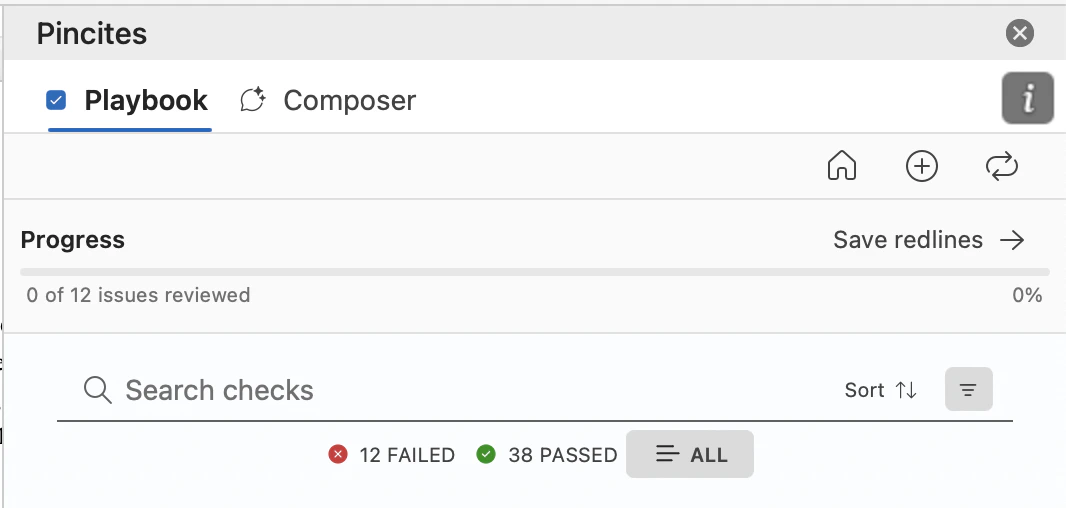
Use this toggle in Microsoft Word to instantly flag a redline as a strong fallback. It lives directly under every AI-suggested redline. When you turn Learn from on:- The redline is saved as a precedent
- Clause context and contract type are preserved
- The system can reuse it in similar situations
- Your base playbook remains untouched

2. Save redlines
Manually save any redline—whether suggested by AI or written by a human—into your knowledge base. You can do this directly from Word or from the Admin dashboard. Saved redlines:- Improve Composer’s ability to draft better fallback suggestions
- Reflect your tone, structure, and preferred risk posture
- Become part of a shared org memory—no playbook edit required
3. Upload precedent documents
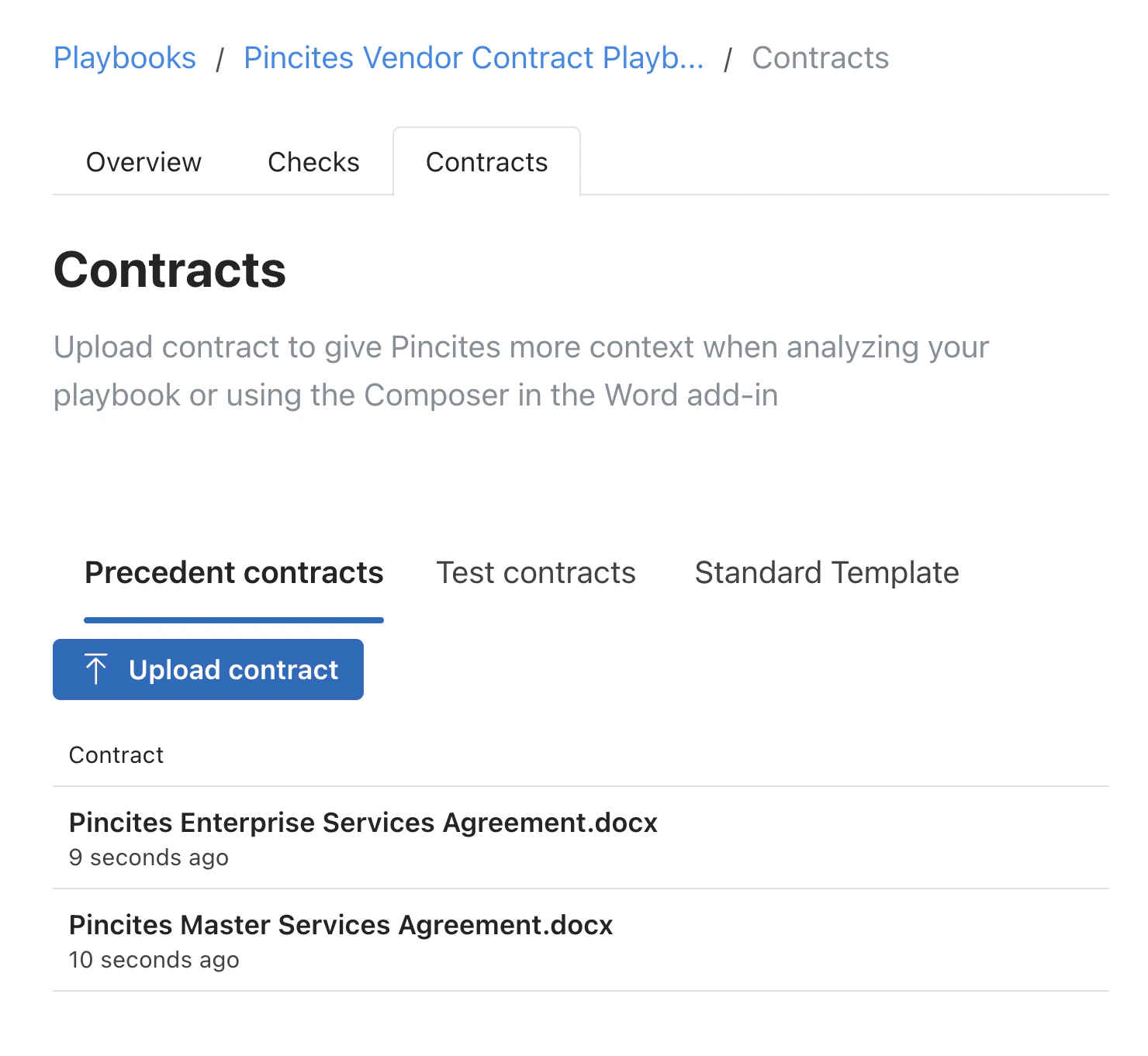
Upload redlined agreements to jumpstart your knowledge base. Pincites extracts and learns from edits, comments, and clause variations. You can upload:- Marked-up NDAs, MSAs, vendor contracts, etc.
- Internal fallback guidance docs
- Clean templates with sample comments or tracked changes
- Help Pincites recognize patterns faster
- Improve issue spotting and clause matching
- Are stored as contextual learning—not formal rules
Where learning shows up
Once saved, precedents are used to:- Suggest smarter redlines in Word
- Improve fallback suggestions in Composer
- Tailor comments to your tone and clause philosophy
- Recognize common clause variants and risk positions
Managing your knowledge base
Go to the Knowledge Base tab in the Admin dashboard to:- View and edit saved redlines
- Delete outdated or low-quality examples
- Upload more precedent contracts
- See where each redline came from and how it’s used
Why it matters
Playbooks are the foundation—but precedent learning makes them powerful. Pincites doesn’t just match rules; it adapts to how your team negotiates in the real world.- Learn from live redlines as you work
- Capture feedback and fallbacks on the fly
- Train the system passively through your actual deals
- Scale your review process without losing control
Key takeaways
- Learn from is a one-click way to save great edits
- Saving redlines builds your fallback memory
- Uploading past work helps the AI learn fast
- All learning is additive—your playbook is never overwritten
- You decide what’s saved, reused, or ignored