Precedent examples don’t just help your team—they help the AI. Instead of trying to write long, rigid rules that cover every scenario, you can rely on examples to guide the AI’s behavior. When you save many real redlines tied to a rule, you’re effectively training the system on how you want that rule to behave—without needing to cram every edge case into the prompt. The more examples you save, the smarter the AI gets.Documentation Index
Fetch the complete documentation index at: https://docs.pincites.com/llms.txt
Use this file to discover all available pages before exploring further.
How to Add Precedents
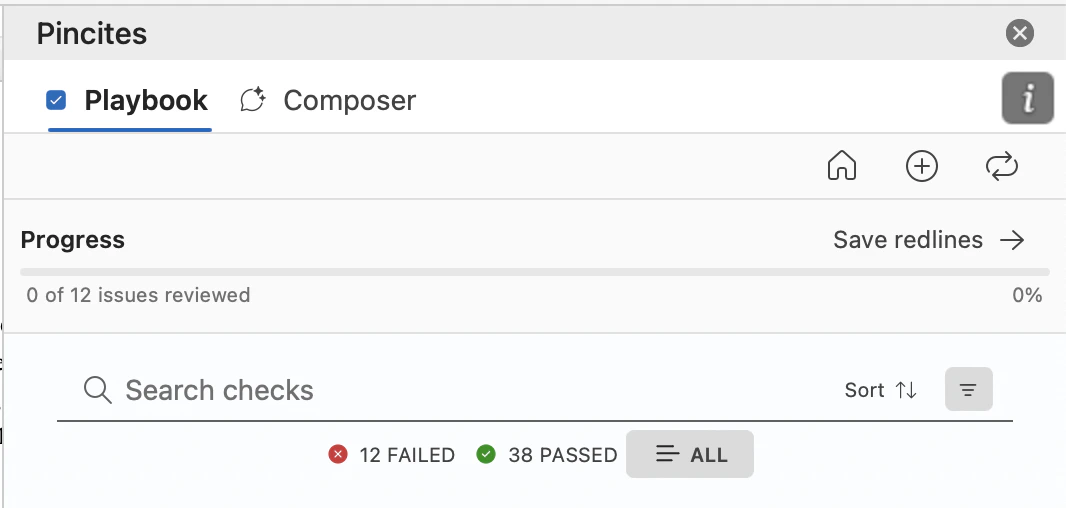
You can add new precedents in a couple of ways:- In Word: Click the Save Redlines button next to a redline. Pincites will automatically map every redline in the document to existing rules in your playbook—and will even suggest new rules based on new trends in your redlines.
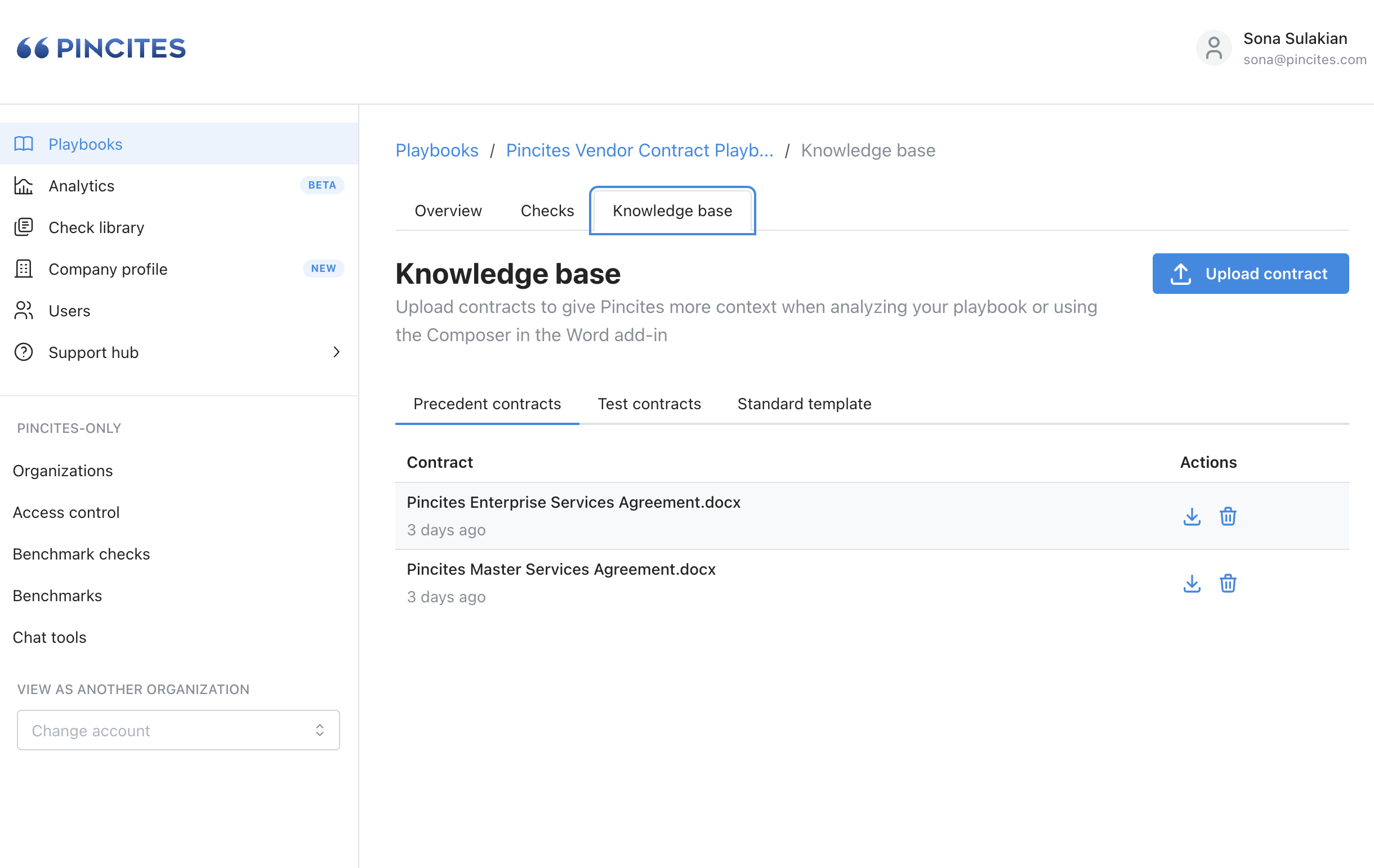
- In the Web App: You can manually upload precedent redlines directly to the rule or playbook. This is great for backfilling examples from older deals or bulk uploads.