
Why this matters
When you ask “review and redline this contract,” Composer doesn’t try to do everything at once. Instead, it:- Reads the full document
- Identifies the relevant issues
- Prioritizes by risk or importance
- Generates redlines for each issue
- Adds comments explaining the changes
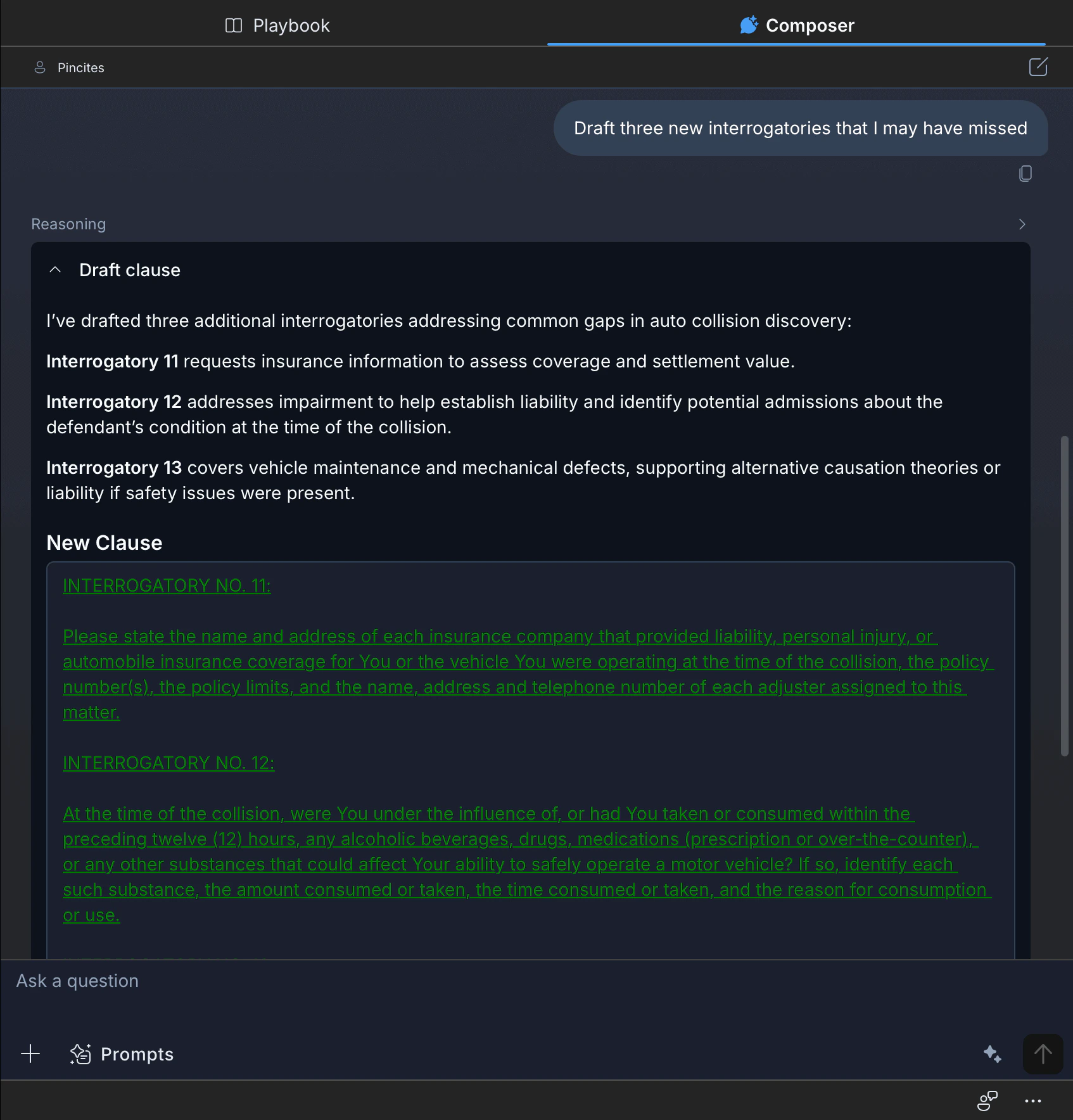
The two-step pattern
The most effective way to prompt Composer is to separate thinking from acting:- First: Review (think)
- Second: Revise (act)
Using verbs to guide workflows
The verbs you use in your prompts determine what kind of step Composer executes. Choose verbs intentionally to build effective workflows. Analysis verbs (thinking steps):- Review: Examine and evaluate
- Identify: Find specific items
- Compare: Analyze differences between documents
- Flag: Call out specific issues
- Prioritize: Rank by importance or risk
- Draft: Create new language
- Revise: Modify existing language
- Redline: Generate tracked changes
- Summarize: Condense information
- Extract: Pull out specific data
Workflow examples
Comprehensive contract review
Review incoming third-party paper against your standards.- Upload the contract and your template
- “Compare this contract to our template and identify all deviations”
- “Which deviations pose material risk to us as the customer?”
- “Redline the contract to address the material risks with comments”
Learning from prior redlines
Apply consistent positions based on how you’ve handled similar contracts.- Upload the current contract plus 2-3 prior redlined versions
- “Review how we’ve handled similar contracts. What positions did we take on indemnification, liability, and termination?”
- “Apply those positions to this contract with redlines”
Compliance review
Check a contract against specific regulations or policies.- Upload the contract and relevant reference materials (regulations, checklists, policies)
- “Review this contract for compliance with [HIPAA/GDPR/etc.] and flag any gaps”
- “Suggest specific language to address each gap”
- “Draft redlines incorporating the compliant language”
Template comparison
Identify where counterparty paper deviates from your standard form.- Upload both documents: their version and your template
- “Compare clause by clause and create a table of material differences”
- “Which differences favor the counterparty?”
- “Draft redlines to bring key provisions in line with our template”
Composer vs playbooks
Use playbooks when
- You have recurring contract types with consistent criteria
- You want standardized, repeatable outputs
- Speed is critical for high-volume work
Use Composer when
- Dealing with novel or one-off contracts
- Handling redlines not covered by your playbook
- Conducting legal research
- Need flexibility in review approach
Use both when
- Run the playbook first for standard issues
- Use Composer to address remaining items
- Generate summaries after playbook review
Effective prompting
| Do | Don’t |
|---|---|
| Use action verbs (review, revise, identify, draft) | Use vague language (“make this better”) |
| Structure multi-step requests explicitly | Cram everything into one unclear request |
| Provide context about your position (vendor/customer) | Assume AI knows your business context |
| Specify desired output format (redlines, summary, list) | Leave output format ambiguous |
| Include relevant documents as attachments | Reference documents the AI can’t access |